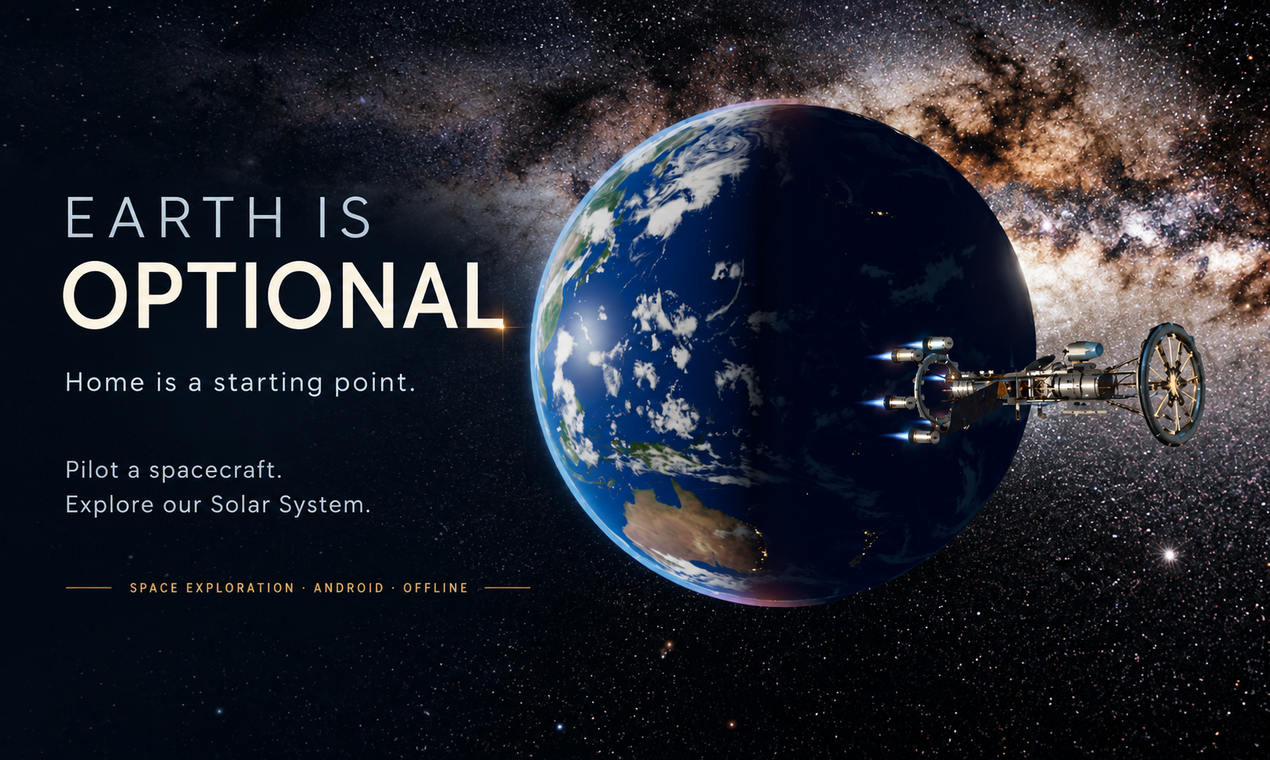
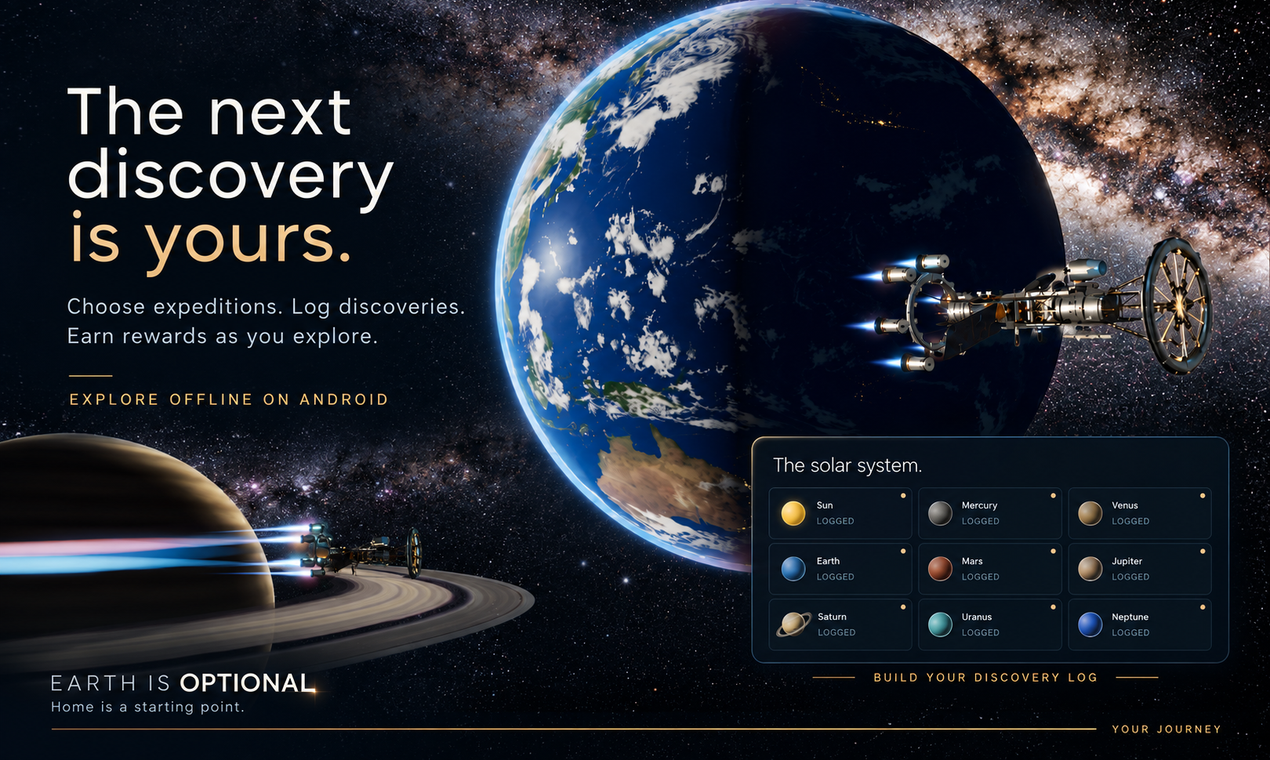
Home is a
starting point.
Build a ship. Leave Earth behind.
Drag to explore · Scroll to travel
Built by you.
A spine. Tanks. Power. Your spacecraft takes shape.
Every part
matters.
More mass. More thrust. Find your balance.
Made to
go further.
Fit the hardware for your expedition.
Swipe sideways to turn your ship
Choose your
horizon.
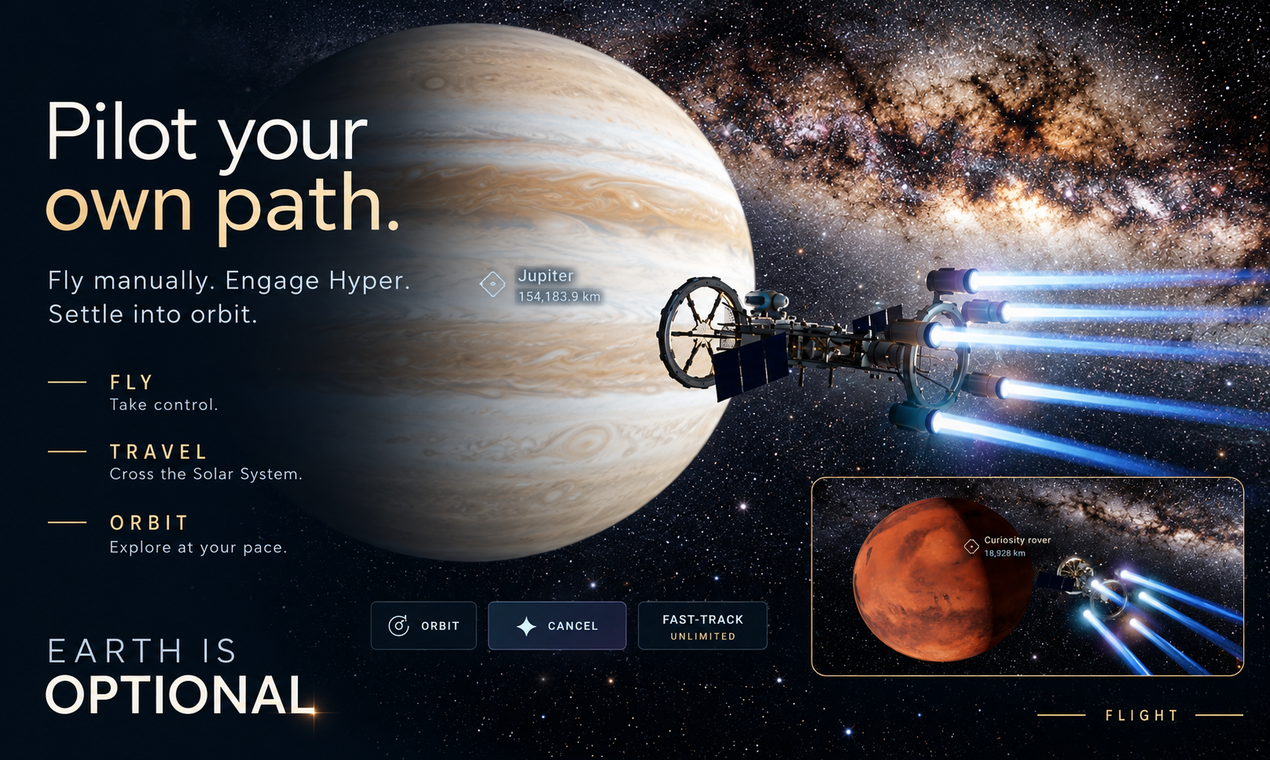
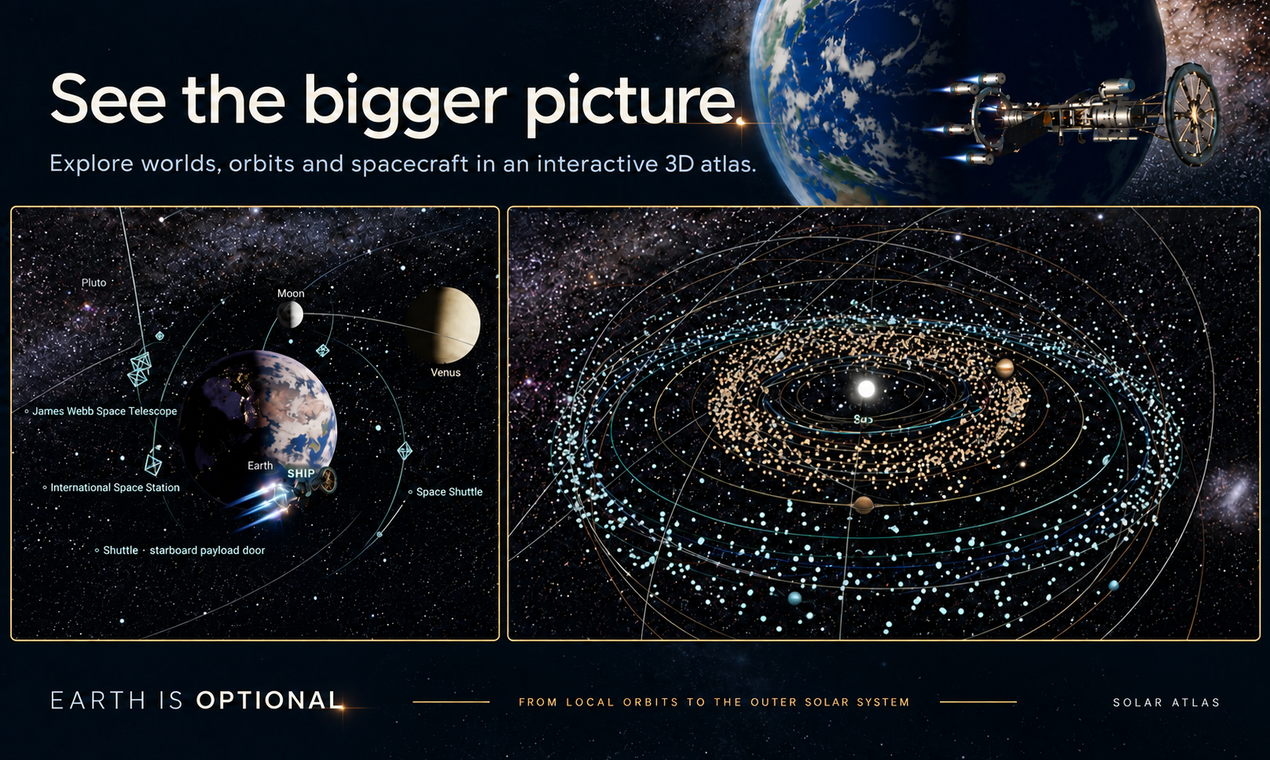
Set a course. Return to explore.
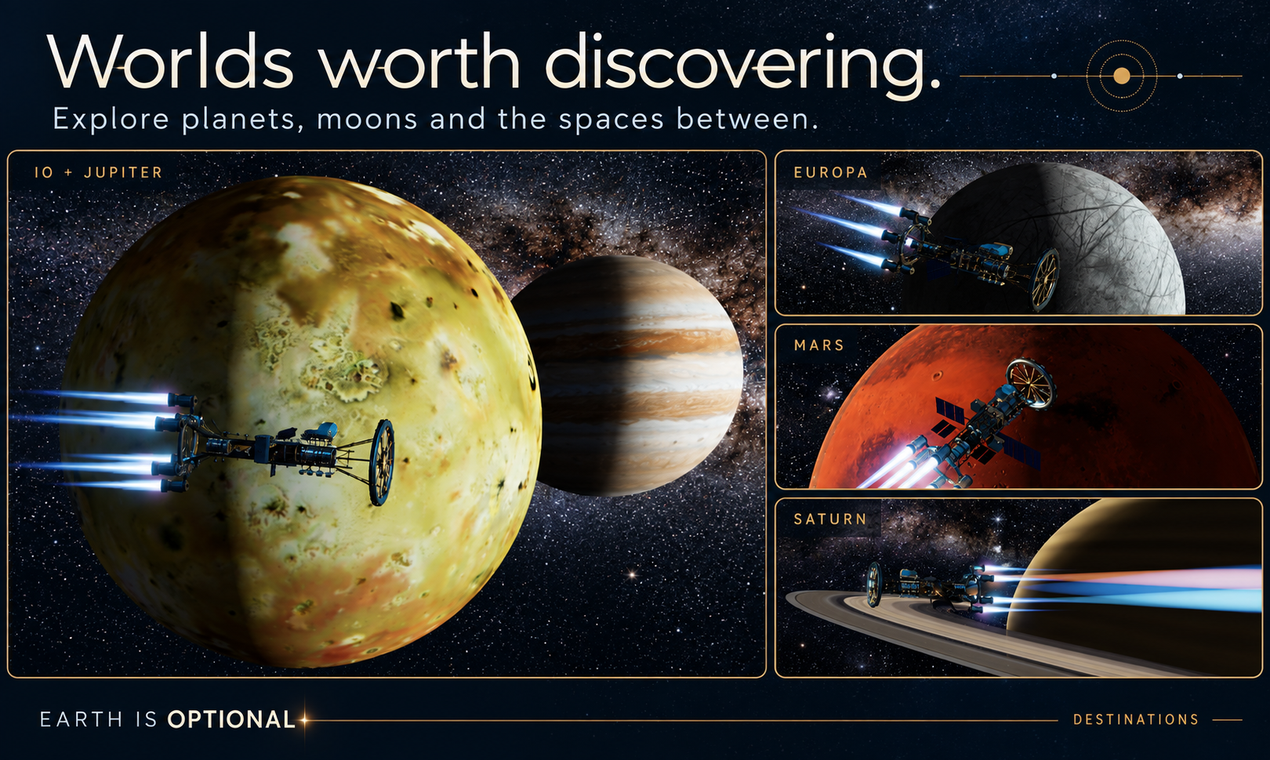
Get closer.
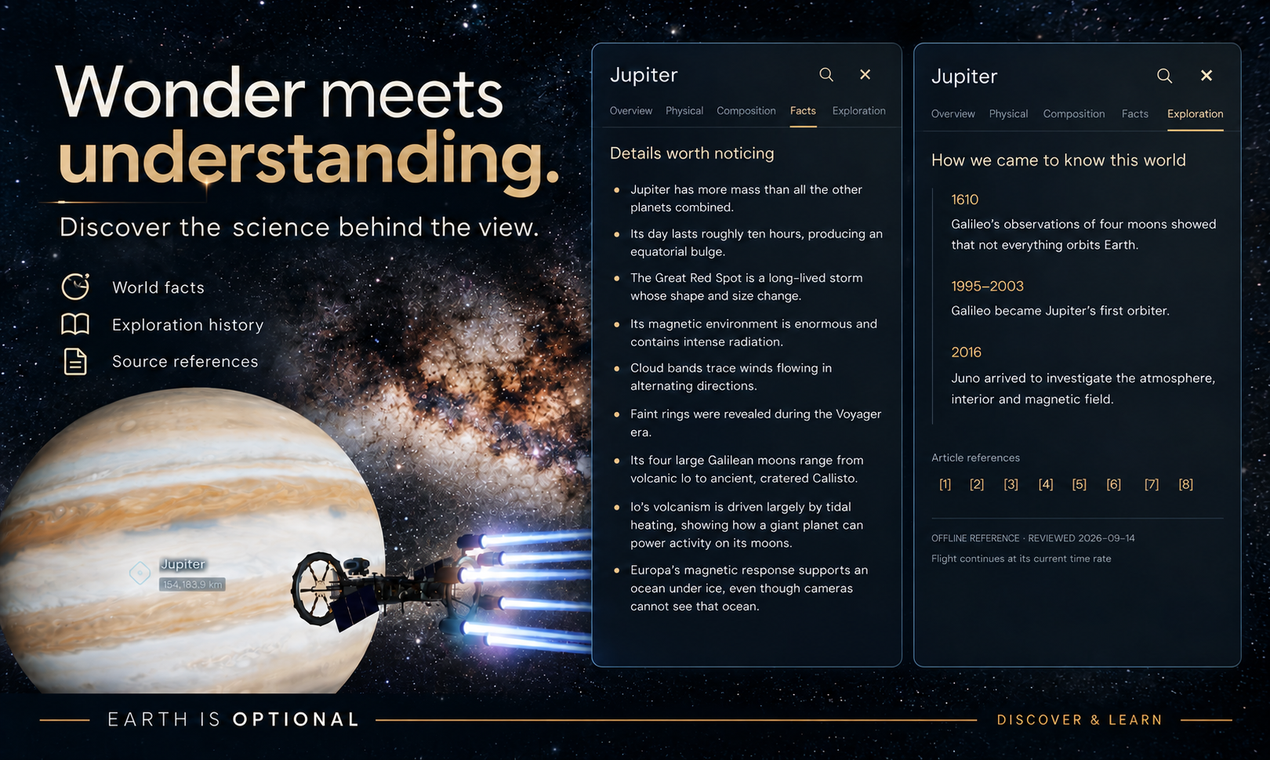
Jupiter. Io. Worlds worth a detour.
Keep going.
Beyond Saturn, another horizon.
Follow the
pioneers.
Then make your own discoveries.
Touch down.
Take the Moon at your own pace.
Leave tracks.
Deploy SELENE. Explore beyond the lander.
Below the ice.
Glide beneath Enceladus’ sculpted ice.
Follow the light.
Let MINNOW’s lamps reveal the frozen ceiling.
Watch the journey.
See it for yourself.
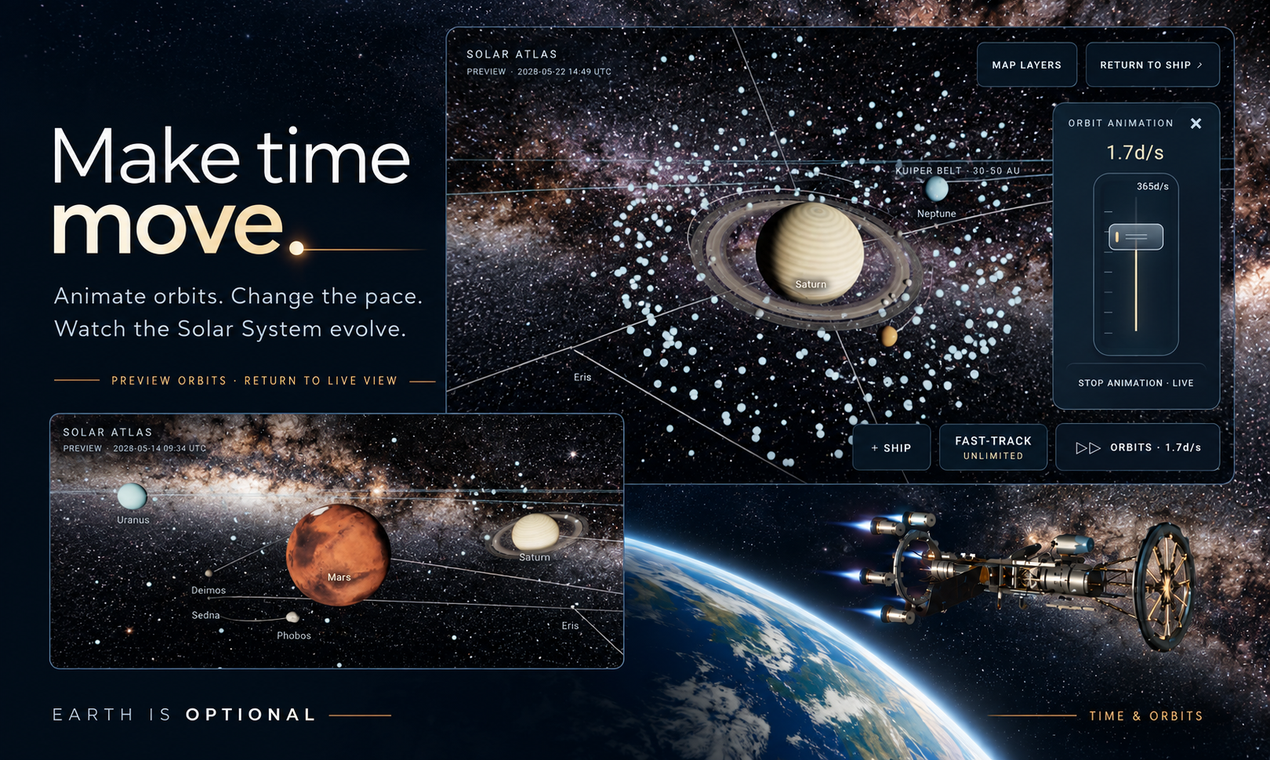
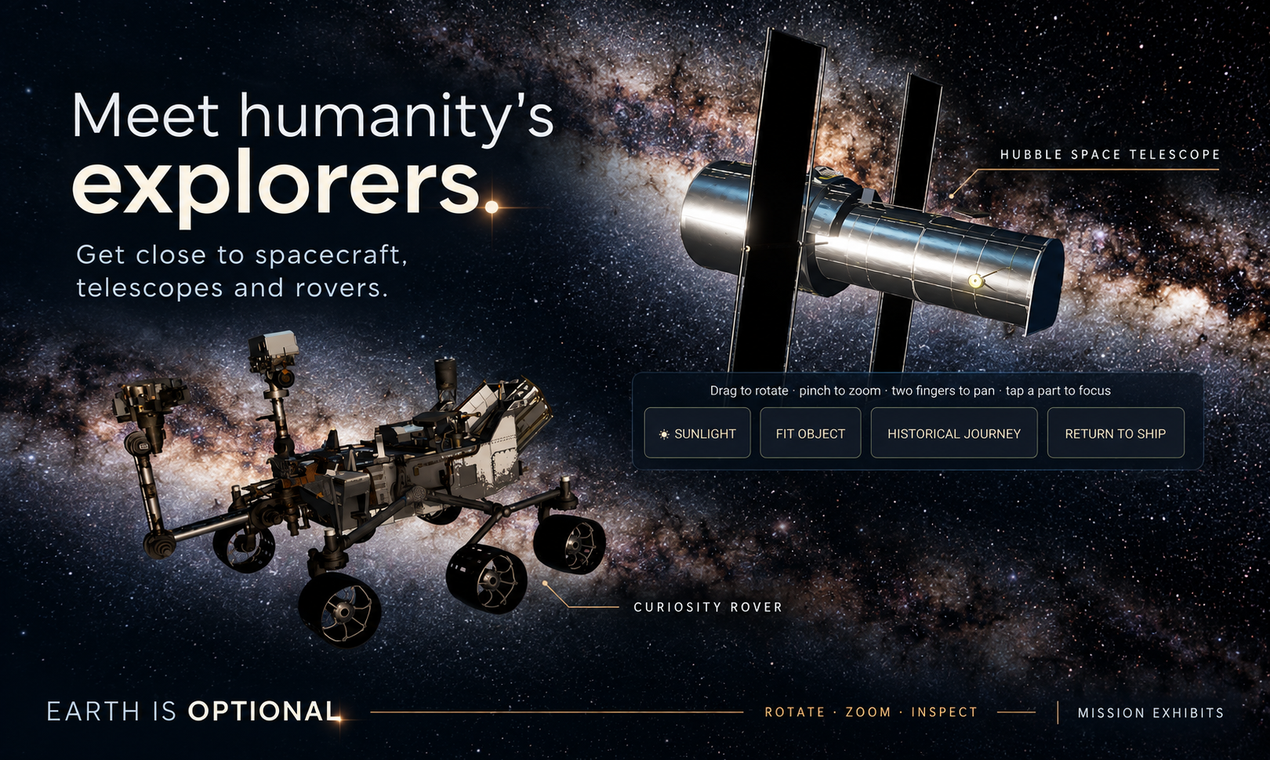
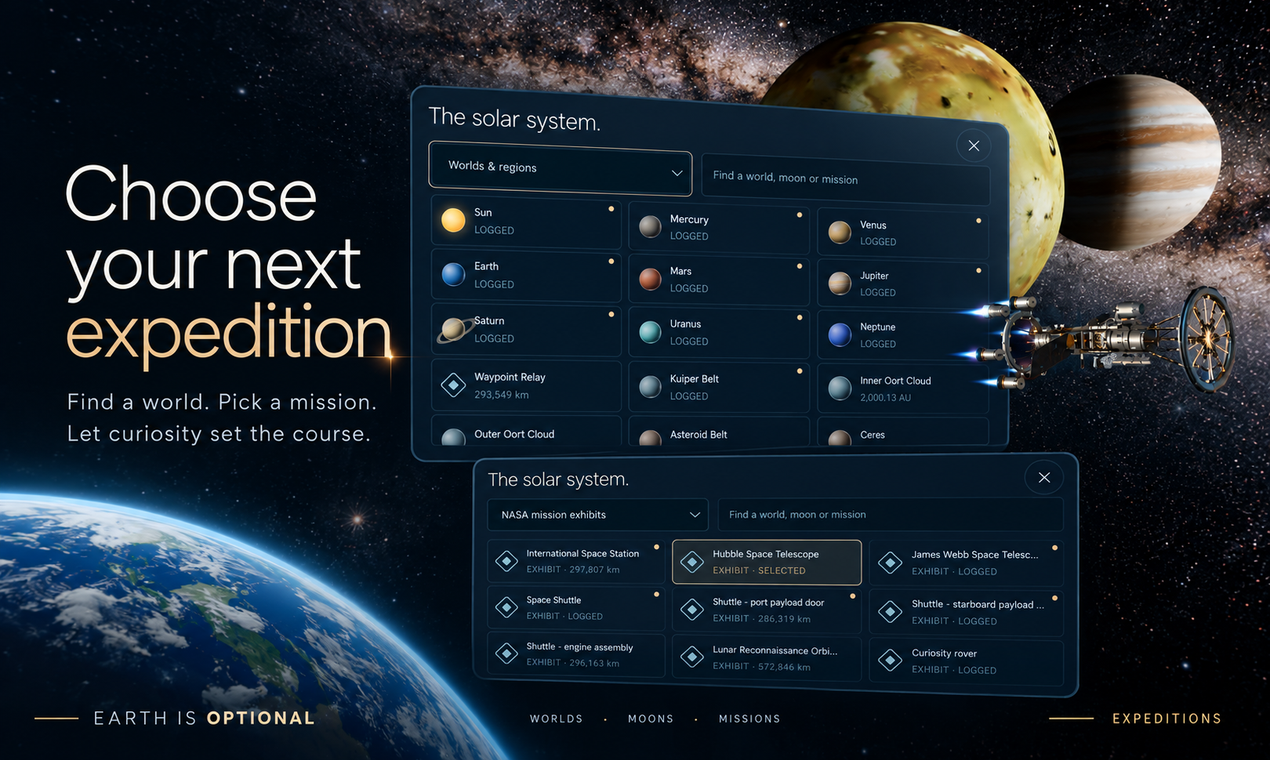
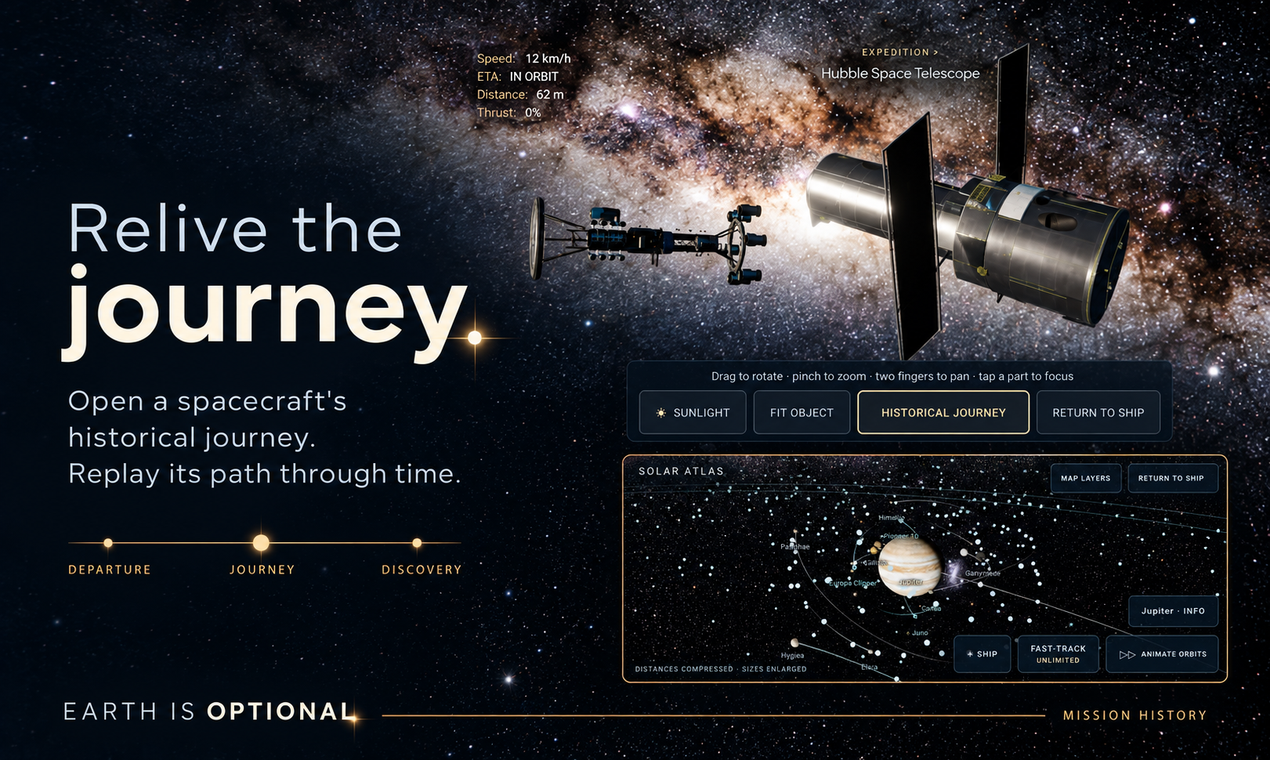
Earth will
still be here.
Your next discovery is waiting.
Join the Android testBefore you depart
This is a game in active development. Expect changes, unfinished features and occasional bugs. Your feedback helps guide what comes next.
Complete expeditions and discoveries to earn rewards and Fast-track time. Core gameplay works offline after installation, with no in-game account or AI subscription required. A Google account and internet connection are needed to join the test, install and receive updates.
Real-money purchases and online ads are currently inactive. Upcoming test builds include clearly labelled offline draft ads to try the reward and close flow. Website scenes feature current development assets; your installed test version and the trailer may differ. Science inspires the Enceladus setting; its imagined ecosystem is fiction.
Your invitation to explore
Join the crew.
Then take flight.
Earth is Optional is available through an Android closed test on Google Play. Join the tester group first, then opt into the test. Use the same Google account for the group, the test and the Play Store on your phone.
 Join the group and test first ↓
Android 8.0 or later, compatible graphics and an up-to-date Android System WebView. Download size is about 1.21 GB, depending on your device; use Wi-Fi and allow extra storage. Availability and performance vary by device and region.
- Join the tester group. Open the group while signed into your Google account and choose Join group. If you see Ask to join, send the request and wait for acceptance before step 2. If neither option appears, email us for help.
1. Open the tester group ↗ - Become a Google Play tester. Once you are a group member, open the test page with that same account and choose Become a tester or the join option shown. Group membership alone does not enroll you in the Play test.
2. Join the Google Play test ↗ - Install from Google Play. Follow the download link on the test page, or use the store link below after opting in. Google Play handles installation and future test updates.
3. Open in Google Play ↗ - Explore and tell us how it goes. Try a journey, build a spacecraft or take an expedition in the features available in your build. Send bugs, confusing controls and performance feedback, with your phone model, Android version and game version.
Send test feedback ↗
If you can, stay opted in for at least 14 days, play during that time and share your experience. This helps us prepare the game for a wider release.
Your first flight
Turn your phone sideways and tap Explore. Choose a destination in the map, then engage Hyper. Use earned Fast-track time to shorten journeys and take the controls when you arrive.
“App not available” or unable to join?
Check that your group membership is accepted, that you opted into the Play test, and that all three services use the same Google account. Switch accounts using your profile picture if needed. New access can take time to appear; wait a little and reopen the test link. Device compatibility, account restrictions and your Play country can also affect availability.
Still stuck? Email stokedworlds@gmail.com with the message you see. Do not send passwords or private account details.
Already using the internal test or an older APK?
If you joined the earlier internal test, leave that test through its opt-in page before joining this closed test. Joining the Google Group alone does not switch your test track.
Old direct-download builds may install separately from the Google Play version, and their progress may not transfer. Keep your existing installation and saves; do not uninstall or clear app data to fix an access problem. Use Google Play for updates to the test version.
Can I play on iPhone, iPad or another platform?
This test is for Android phones and tablets. There is no iOS or TestFlight link yet, and no release date has been announced. Follow Stoked Worlds on YouTube for updates.
Leaving the test and privacy
You can leave the test through the same Google Play test page. Google Group membership is separate: leave the group too if you no longer want to belong to it. Group and Play enrollment use your Google account; the game itself does not require an in-game account.
Read our privacy policy for information about the game, group membership, support messages and website services.
Need a hand? stokedworlds@gmail.com · Google Play testing help